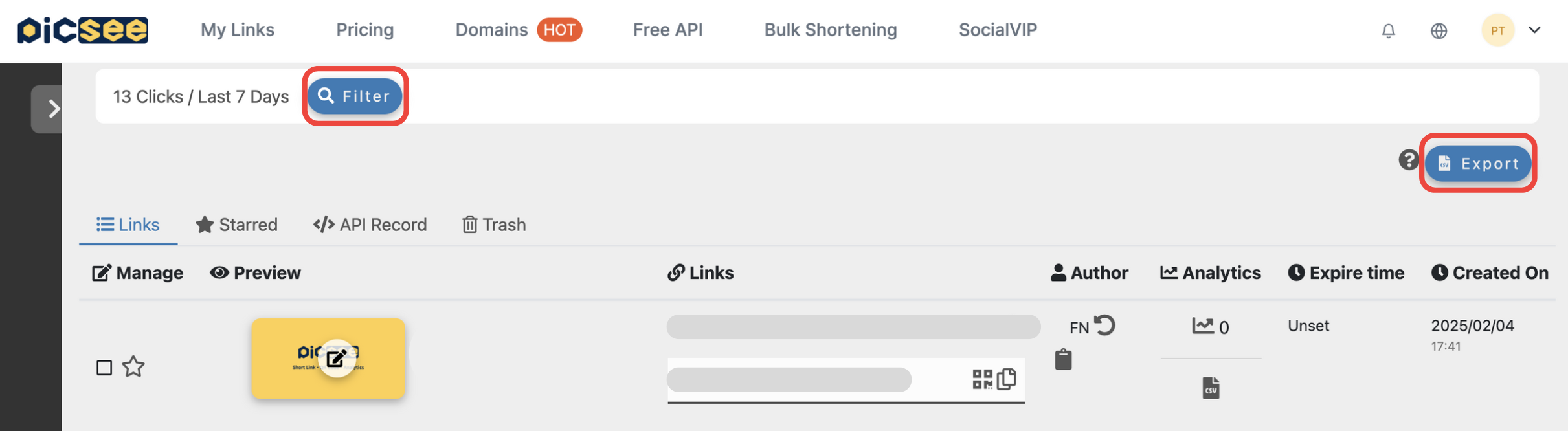
You can find the filter at the top of the “Link History” page to narrow down the short links you’ve created. Currently, up to 100 filtered results are displayed, along with the total click count for the first 100 links.
Filter Options
Free Plan
The Free Plan provides filtering by “Tag” and “Creation Date.” If you have created a large number of short links, you can apply both filters at the same time for more precise results:
- Tag: In the “Filter” section, you can filter short links that have specific tags applied.
- Creation Date: Set a custom date range to display short links created within that period.
Advanced Search
Users on the
Classic Plan or those who have purchased the
Advanced Search add-on can access the following additional filter options:
- Keyword: Search within the destination URL (including device-based URLs), short link, tracking settings (including UTM parameters, pixels, and GTM), as well as the webpage title or description.
- Creator: Use the dropdown menu to filter short links created by specific users within your group.
FAQ
Below are some common reasons why you may not be able to find a short link, along with suggested solutions:
- The short link was not created by you: If you already know the short link, you can add a plus sign (+) to the end (e.g., https://pse.is/4nfth2+) to view its analytics page. If the page does not load, the short link is not associated with your account.
- The short link was created via API or browser extension: These links appear in the “Batch History” section. Since this section may contain a large number of links, search functionality is currently unavailable to maintain system performance.
- The short link has been deleted: Deleted short links are moved to the “Trash” section. Search is not available in this tab.
- More than 100 filtered results: To maintain system performance, only the first 100 filtered results are displayed. Please narrow your filter criteria and try again.
- Keyword search limitations: Search results must exactly match the order of the words you enter. For example, searching for “Happy Overtime” will not return results like “Overtime Happy.” Try adjusting your keywords and search again.